Sockets in C++: Building a chat application in the terminal
My journey into learning C++ is slowly building into something tangible. Last time I went through several game tutorials. Despite the small problems I had, they showed me how pleasurable game programming was. But I needed to do something on my own rather than just follow a recipe. That's how in December I got into building a chat application in the terminal from scratch.
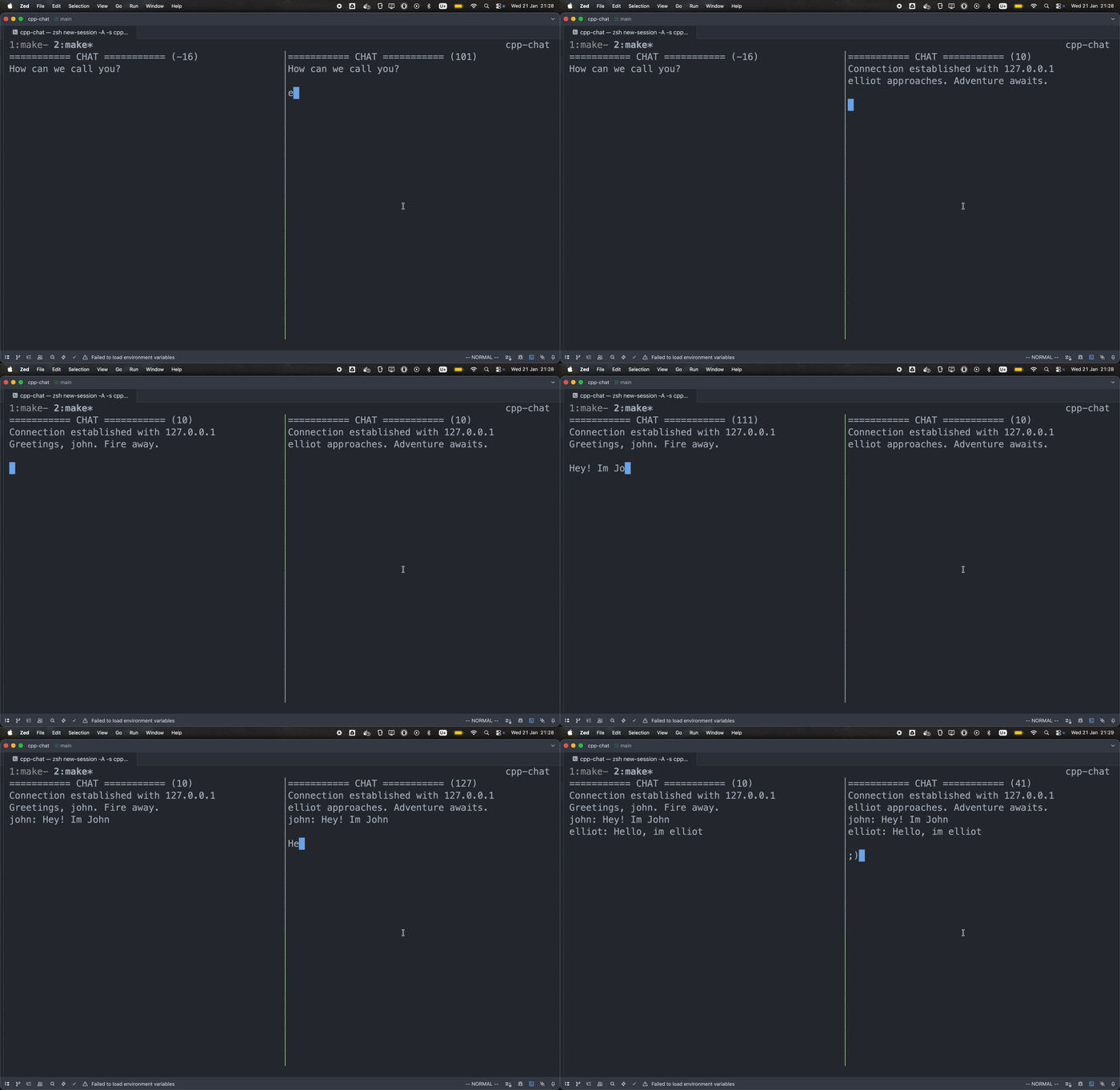
You can check the source code at: pedroni/cpp-chat. It is by no means perfect. One can find a bug in less than 5 minutes.
This is far from perfect. The goal was to learn networking with sockets. However, to get to the point of using networks on my chat app I had to learn different concepts that I was not aware of. I had to learn how to use std::thread (this was not so difficult in fact), cmake, vcpkg, ncurses (not so easy), and also fmt.
🔗CMake and vcpkg
I see CMake like vite/webpack, and vcpkg like npm/yarn. Not sure they're 1:1 but that's how I mapped them in my head. To learn CMake (not sure I learned it) I followed this tutorial. I don't think I can repeat what I did without consulting the documentation again. But it was pretty interesting.
I had four CMake files that ended up being 3 projects:
- Server: receives messages that are then forwarded to all clients. It works like a "broadcaster": The server receives a message and sends it to everyone connected to it.
- Client: sends messages to the server and receives messages from other clients through the server.
- Common: utilities that are present in both the server and the client.
I only used vcpkg to install fmt. I only used the fmt::sprintf function, which I'm already familiar with from php. Though that wasn't the smartest move. I can see it now that I'm writing this post. C already provides sprintf. I don't know why I didn't try that. 🙃
I didn't know what vcpkg was. Neither did I know about fmt. I found out about it because I wanted to use printf, but in a way that I could push it to a vector<string>. And fmt::sprintf returned a string.
Pretty dumb of me. Oh well, that's actually the nice part of doing something your way and getting lost, which you will eventually find your path through the problems. That's how you'll actively learn, that's how I practiced and used my creativity, which is not always the most optimized way, but ends up teaching a lot through practice. You have to come up with your own solution to your own problems.
🔗The server
The main purpose of the server was to receive messages from clients. Once received, the message was forwarded to all clients. It worked like a "broadcaster". For this part, the only different thing I did apart from Beej's guide was that when accepting new connections, we didn't have to look up the client's IP address. I saw it in a video by Tsoding, which reduced some code lines.
Here the main thing I learned was how poll worked. It lets you monitor multiple file descriptors at once. And that a socket is just a file descriptor of a different kind, and that you could simply use functions specifically for files such as write and read instead of send and recv. At the end of the day, everything is a file, even input handling.
Other than that, the code is pretty much the same as seen in Beej's guide. I guess I could make it more interesting if I had multiple rooms or if I had to store data so that future connections would be able to read them. But that wasn't the case here. I just forwarded the message to the clients, and the clients were responsible for storing the messages in memory. The server was pretty much stateless.
🔗The client
Here's the most interesting part for me. Where all the logic was handled and where I had to research and use my brain for once. Where I truly practiced.
To read input and render at the same time, I had to use std::threads. Each thread had its own "game loop":
- input: handles the keyboard
- listener: waits for incoming messages
- renderer: renders the screen, the input, and the received messages
🔗input
ncurses provided a way to get each keystroke that was pressed. I had to take each of the keystrokes and build the message string. It also meant that keys like backspace and option-backspace did not work. Neither did arrow keys. I had to process all of these individually and write code for every single thing they should do. For example, when handling backspace I'd do pop_back on my std::string.
rawCh = getch();

// ...
case 127:
  chat.input.pop_back();
break;
// ...
I couldn't have imagined myself handling each keystroke. That was shocking. I was like "Are you for real? There's no abstraction that will handle the keystrokes for me?" I'm so used to <input /> having all the functionality built-in...
🔗listener
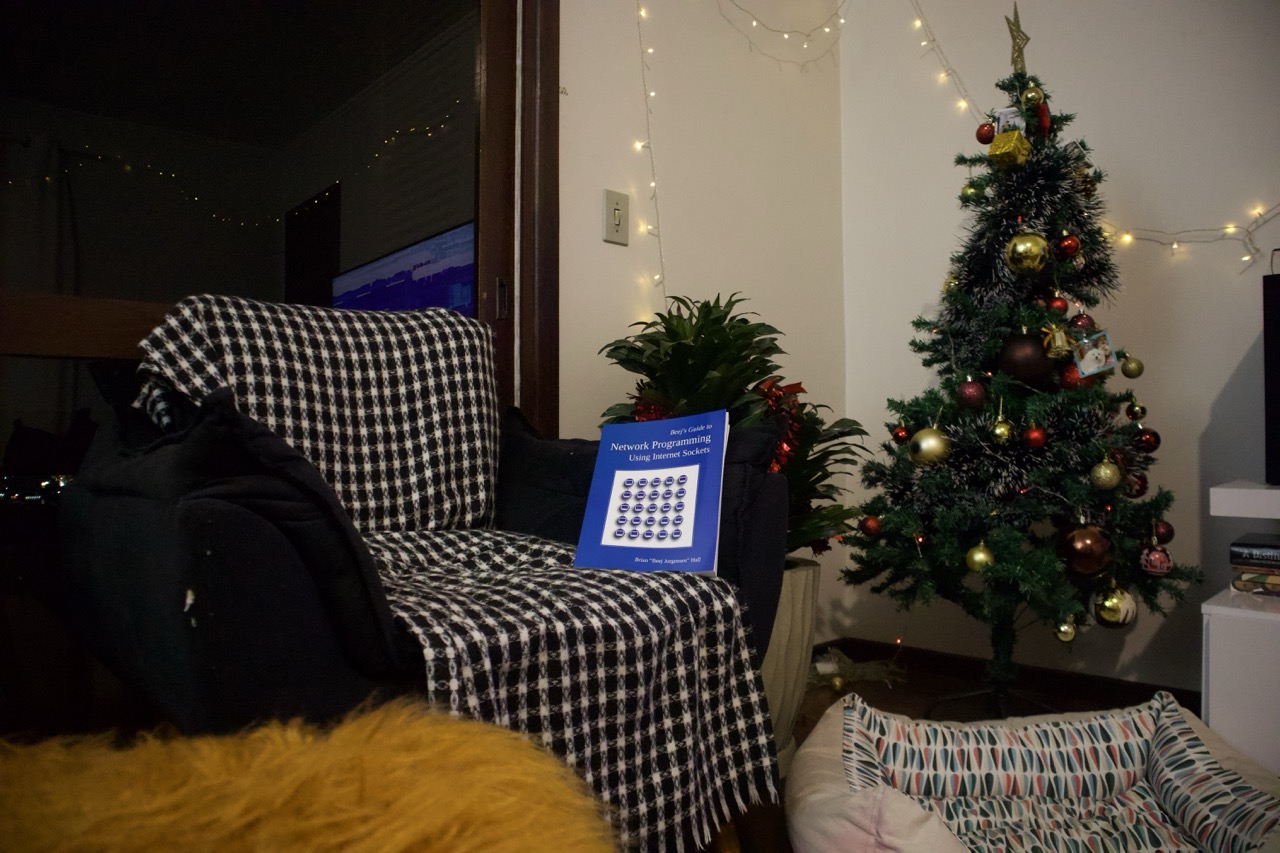
Here it is. My main goal: networking. By this point I had already read Beej's Guide To Network Programming, which would give me the knowledge to get this chat application working. Now I needed to put it into practice.
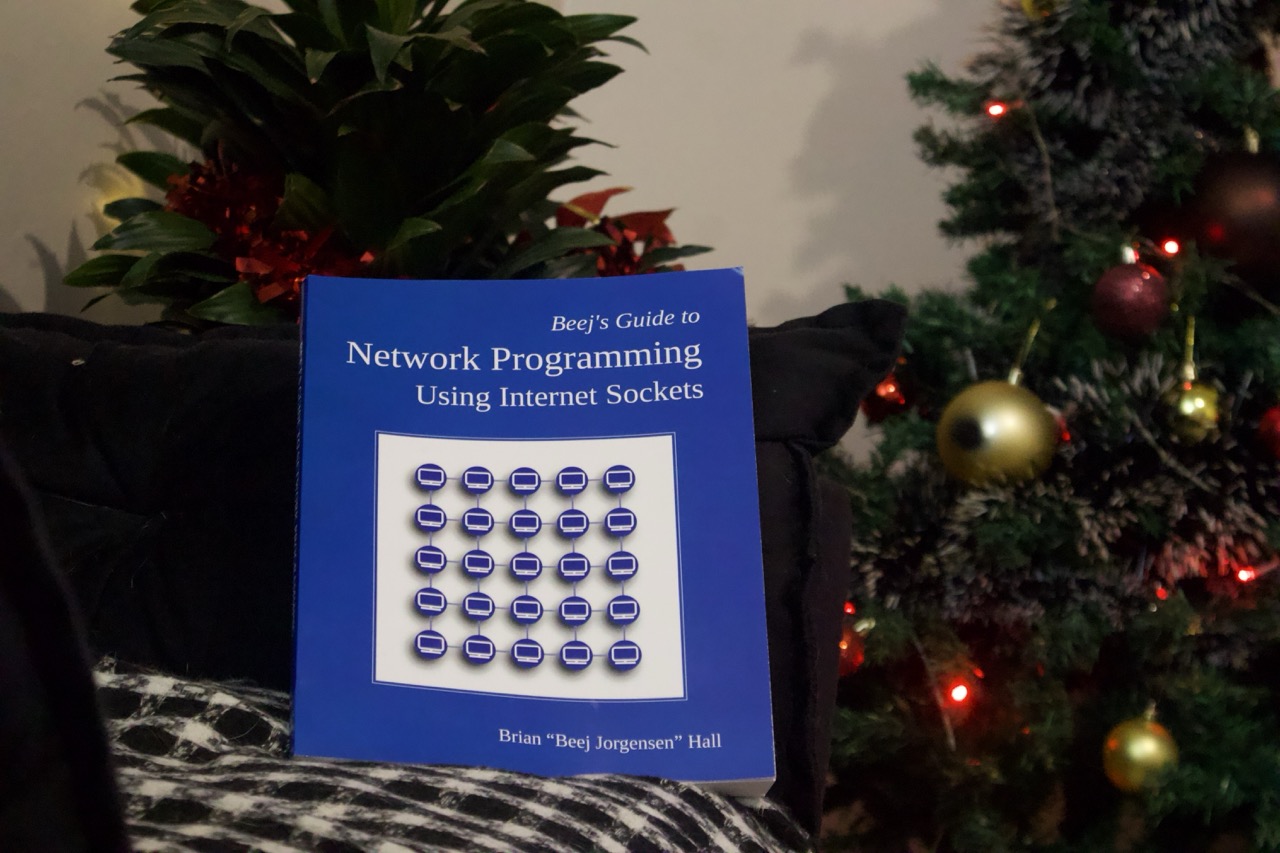
The main goal, yet the least fun part. It's so verbose to establish a connection. I'll probably never remember how to write this code again. The good thing here is that now when I look back at the code, I understand each piece of what the code is doing. That was the most valuable thing I got from here: to read and to understand. I'm pretty sure this is something you abstract once and never look at again, because that's what I did.
Example code:
// ...
struct addrinfo hints, *servinfo, *p;
memset(&hints, 0, sizeof hints);
hints.ai_family = AF_INET; // AF_INET means that we want IPv4
hints.ai_socktype = SOCK_STREAM; // This means that we want TCP
// ...
The listener is responsible for reconnecting to the server and receiving the messages that have been broadcasted by the server. Once the message is received, I push it to a std::vector and then render it on the screen. To be honest, calling recv was very fun. When I did that, it was like magic.
The fun thing is that the majority of my work as a web developer is making http calls, and when I learned about WebSockets (created in 2011) with JavaScript, it felt like magic. Because of the async nature of WebSockets, it was something out of this world. One word for it: Technologia! And well, here I'm doing sockets in C++ (something that was created in the 70s) and it already worked just like WebSockets that I found revolutionary when I learned it. Now I see that things are cyclical; they reinvent themselves. The sockets created in the 70s are async, they're real-time communication between two services. The concept already existed a long time ago.
🔗renderer with ncurses
Rendering things on the terminal purely with printf or std::cout was not enough because there was no way to clear the screen or previous messages. This was important to exit a room or to clear the chat. Also, whenever I did std::cin to get input, the screen would freeze and I would no longer see the incoming messages. This happens because std::cin blocks the process. The screen had to do multiple things at the same time. It has to render new messages and also read from my input.
This is how I found out about ncurses. ncurses works in a similar way to how SDL or Raylib does. I had to create a "game loop" to render the contents, and every cycle I'd clear the screen and render everything again, just like in a game! It was fun because I got to use the knowledge I had built on top of the tutorials.
Here's a portion of my main.cpp file:
// https://github.com/pedroni/cpp-chat/blob/develop/client/main.cpp
int main() {
  // clears the screen and presents a virtual screen
  initscr();

  // hides the keys that are pressed
  noecho();

  Chat chat;

  thread input{readInput, ref(chat)};
  thread listener{subscribe, ref(chat)};
  thread renderer{renderChat, ref(chat)};

  // join in threads works in similar fashion as an await in javascript
  input.join();
  listener.join();
  renderer.join();

  endwin();

  return 0;
}🔗And that was how I built the chat application
That was my first toy project with C++. It's far from perfect. There are bugs, and there are a lot of missing features. That's expected. I didn't want to build a product. I wanted to have fun and learn along the way. I learned a lot of different subjects with this toy project. I recommend everyone to do the same. Experiment, have fun, do something small, do something big, do something that only you care about. Don't worry about it being perfect, just do it.
Here's what I used as a reference to build this small chat app:
- Getting Started with CMake: https://cmake....h%20CMake.html
- NCURSES Programming HOWTO: https://tldp.o...ming-HOWTO.pdf
- Beej's Guide to Network Programming: https://beej.us/guide/bgnet
- A Tour of C++ by Bjarne Stroustrup: https://www.am.../dp/0136816487
Table of contents